Laptop buying guide
Choose the right balance of portability, performance, memory, storage and screen.
Read the laptop guide

Cybist buying guides
Clear, practical guidance to help you match business-grade technology to the user, workload and budget—backed by the Cybist Renewed Standard and real UK support.
Start here
Choose a product family, then follow the guidance that fits the way it will actually be used.
Choose the right balance of portability, performance, memory, storage and screen.
Read the laptop guideUnderstand form factor, performance, expandability and workspace requirements.
Read the desktop guideProfessional processors and graphics in a portable format for demanding work between locations.
Read the mobile guideCompare tower, small-form-factor and mini workstations for sustained performance, expansion and fixed desks.
Read the desktop guideConsider size, resolution, connectivity, colour and ergonomic requirements.
Read the monitor guideChoose conferencing equipment around the room, platform and participants.
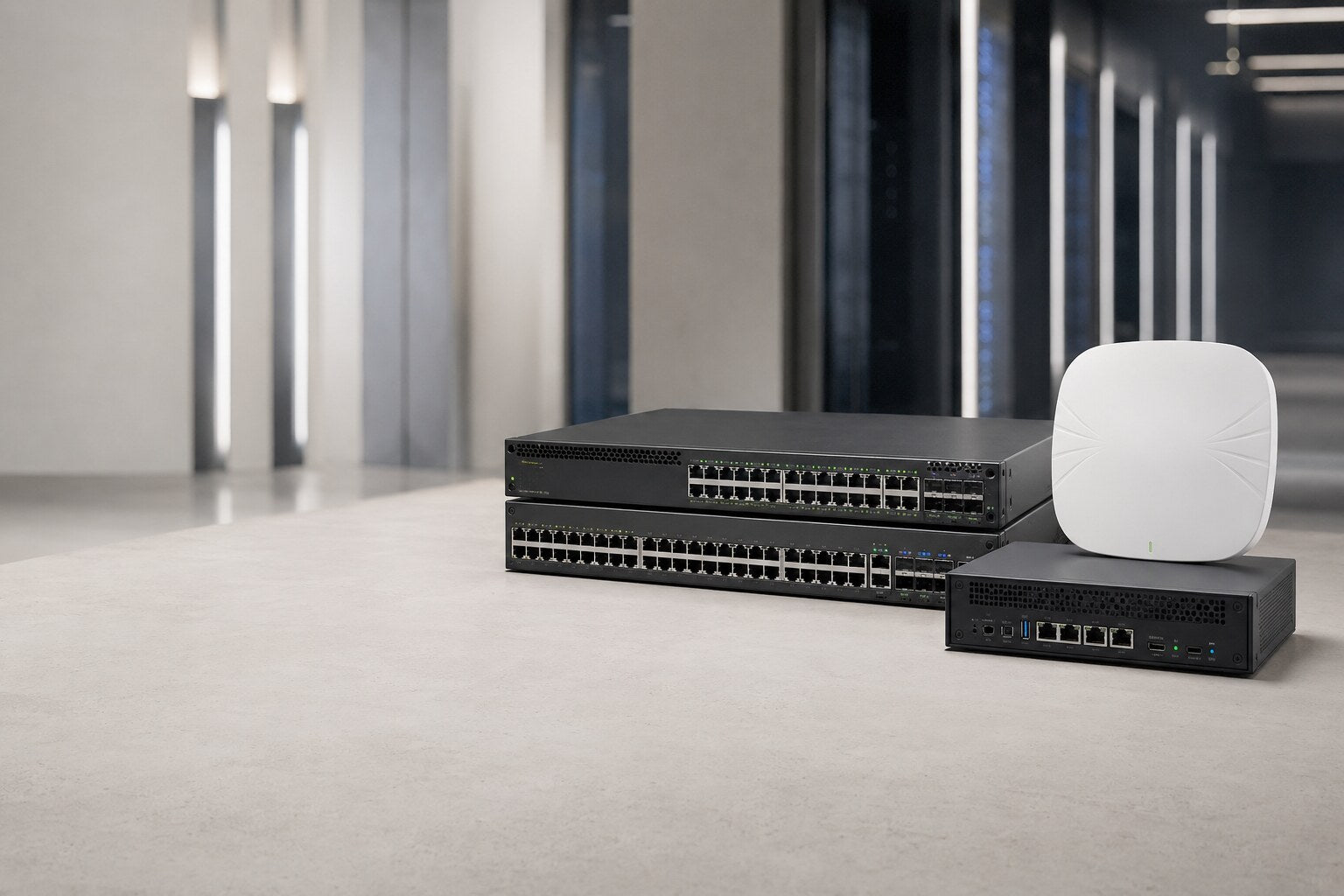
Read the AV guideIdentify switching, wireless, routing and infrastructure requirements.
Read the networking guideWorkstation guidance
Understand the key differences and choose the right platform for the workload.
Compare workstation typesA clearer route
Start with the people, applications and working environment, then follow the most relevant route.

Reliable technology for email, documents, communication and dependable multitasking.
See the everyday guide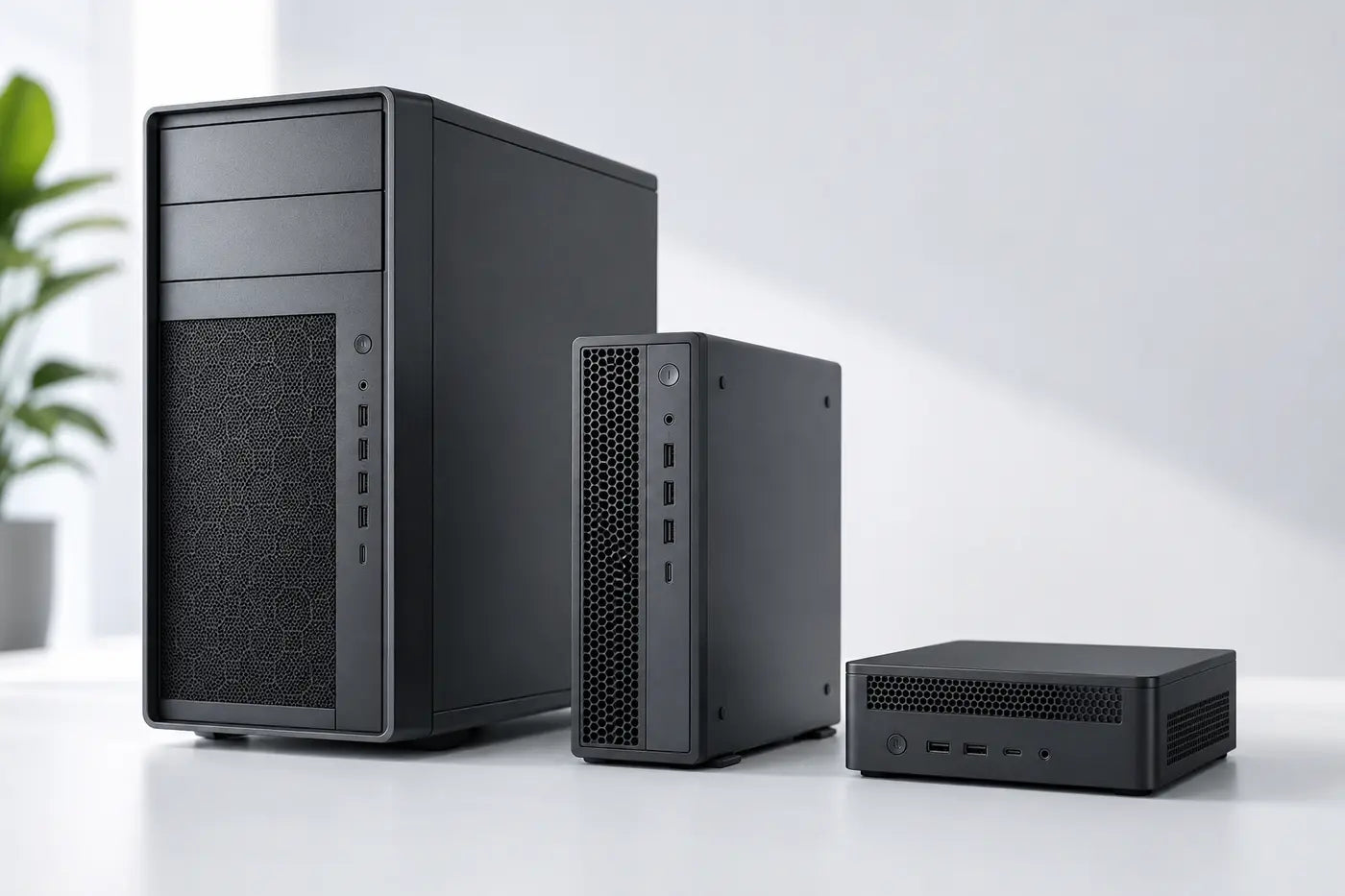
Higher-performance workstations for visual, design, engineering and specialist workloads.
See the technical guide
Practical, standards-led technology for learning, administration and public organisations.
See the education guide
Clear, compatible conferencing technology for rooms, remote participants and flexible work.
See the hybrid guideSpecification pathway
Balance the components around the workload rather than buying from one headline number.
Match CPU performance to applications, multitasking and expected useful life.
Allow enough RAM for the workload, operating system and future use.
Balance SSD capacity, speed and the amount of working data required.
Integrated graphics suit many tasks; professional workloads may need a dedicated GPU.
Consider size, resolution, colour, brightness and portability together.
Choose the Cybist renewed standard that matches your priorities.
Renewed technology, clearly explained
Buying renewed technology
Clear answers before you choose.
Professionally prepared business-grade equipment can provide dependable performance and strong value. Match the specification and condition to the intended workload.
Choose a mobile workstation when professional performance must travel. A tower, SFF or mini workstation can be better for fixed desks, sustained workloads, expandability or a larger external display setup. Our team can help you compare the formats.
It depends on the workload. Processor, memory, storage, graphics and screen should be considered together rather than choosing from one headline figure.
Yes. Tell us the intended use, preferred format, budget and any essential software or connectivity requirements, and we can help narrow the options.
Read the condition information on the specific product page and refer to the Cybist Renewed Standard. Contact us if anything is unclear before purchasing.

Helpful, human advice
Our team can help you match the product, format and specification to the intended use and budget.