
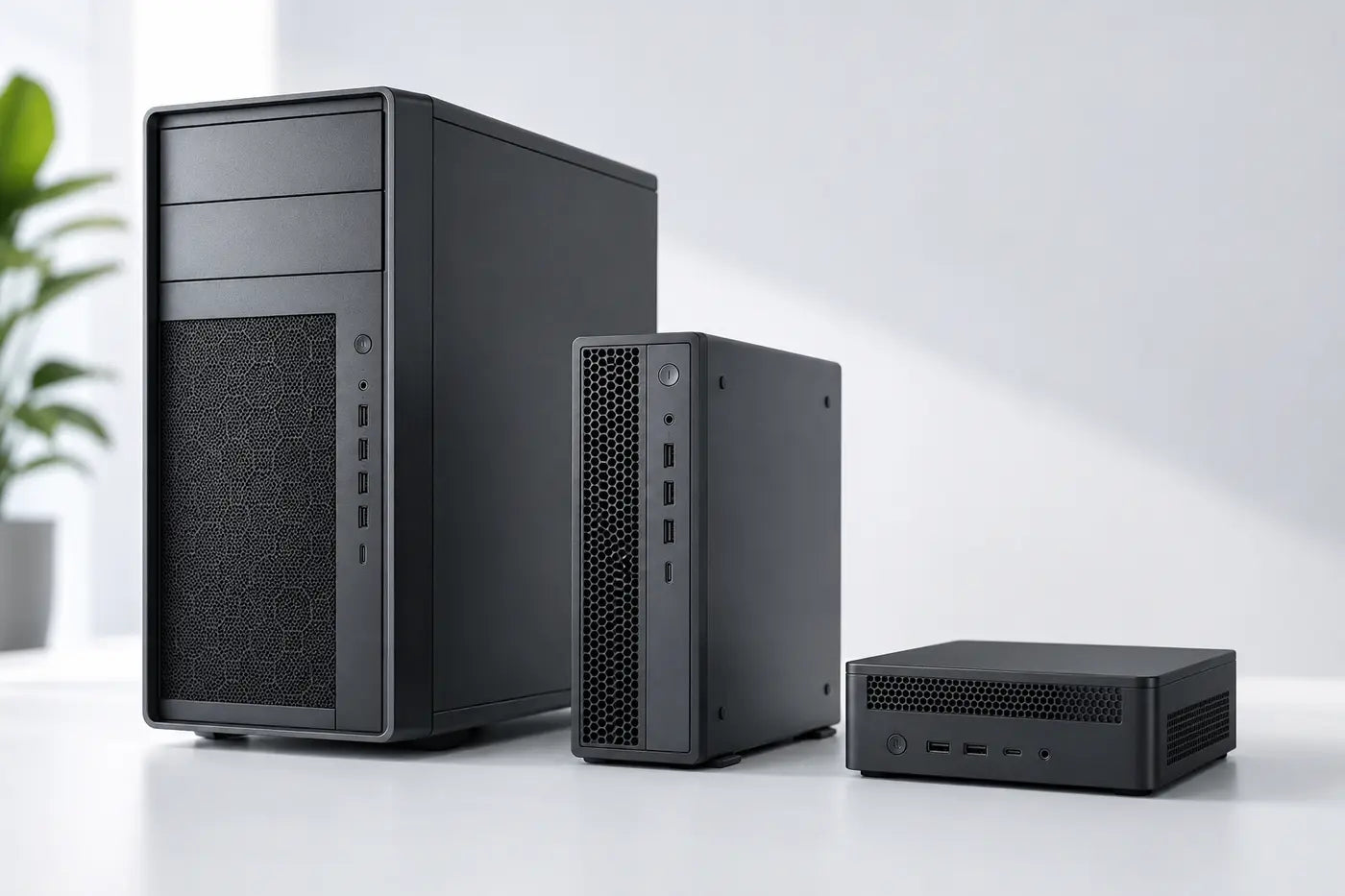
Workstation formats explained
What is a desktop workstation?
Sustained capability for a fixed workplace.
Desktop workstations are engineered for professional workloads in tower, small-form-factor and mini chassis, each with different cooling and expansion potential.
A practical starting point
Professional performance without the portability compromise
A fixed workstation can devote more of its size, power and budget to cooling, memory, storage, graphics and expansion. The advantage varies by chassis and exact specification.
Choose the right route
Bigger is not always better
Start with the real requirement, then select the format and specification.
Maximum headroom
Tower workstation
Potential for stronger sustained cooling, larger GPUs, more storage and future expansion.
- Clear, workload-led specification
- Practical deployment and support
- Sensible useful-life headroom
Compact professional systems
SFF and mini
Useful where desk space, mounting or repeatable deployment outweigh maximum internal expansion.
- Clear, workload-led specification
- Practical deployment and support
- Sensible useful-life headroom
What to look for
Why fixed workstations can do more
Translate the working context into clear, supportable requirements.
Sustained throughput
Larger cooling systems can maintain demanding workloads with less likelihood of thermal throttling.
Confirm the exact requirement before deployment.Expansion potential
Tower and some SFF systems may accept more memory, storage, add-in cards and graphics options.
Confirm the exact requirement before deployment.Capacity and serviceability
Accessible components can simplify upgrades and repair, depending on model.
Confirm the exact requirement before deployment.Format fit
Mini and SFF systems can deliver excellent capability when expansion needs are known.
Confirm the exact requirement before deployment.Compare the options
Compare the routes
Use these differences as a starting point, then verify the exact model and environment.
Match it to the real world
Choose tower, SFF or mini around the job
Practical examples to help turn needs into a brief.
Rendering, simulation and engineering
Long tasks benefit from stable cooling, suitable CPU/GPU capability and adequate memory.
Consider tower or well-specified SFF where sustained throughput matters.Explore the next step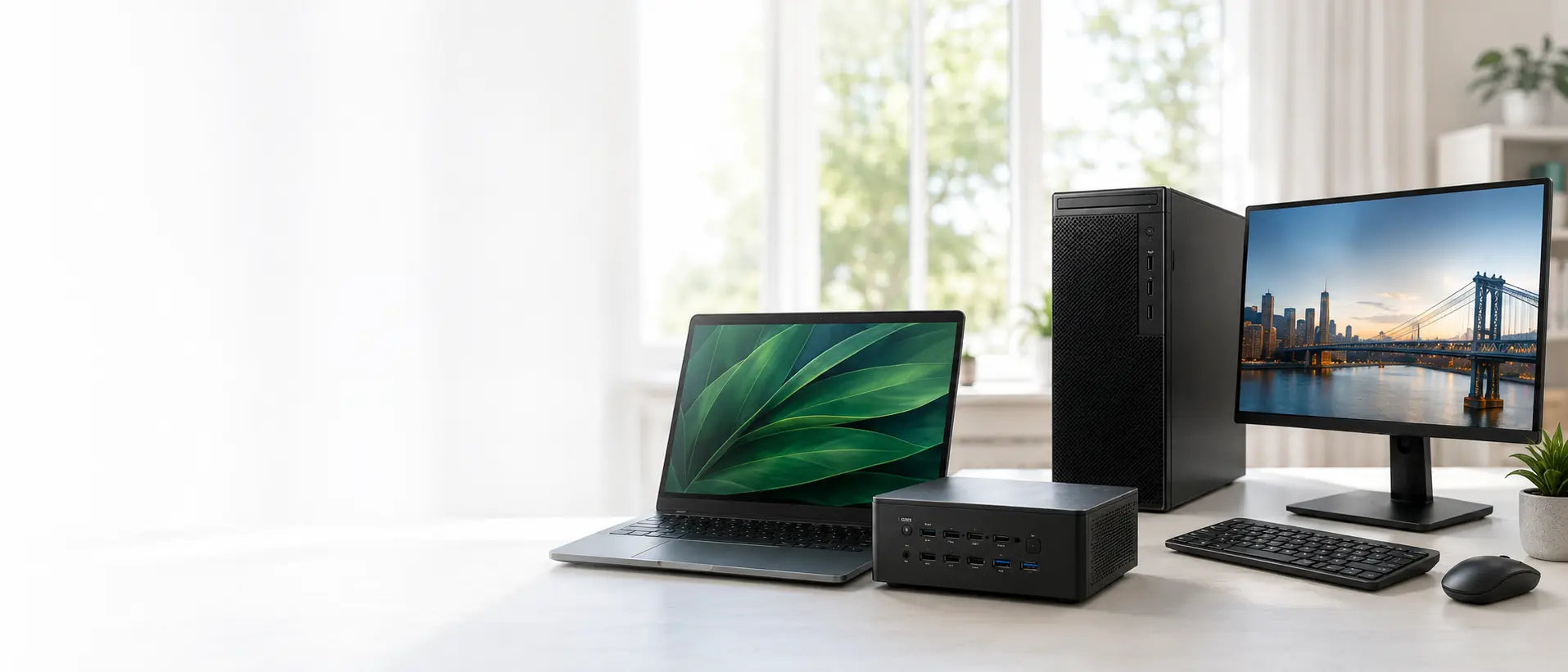
Space-constrained professional desk
A mini workstation can keep the workspace clear while driving external displays.
Check graphics, thermals and upgrade limits against the application.Explore the next stepAvoid expensive mistakes
Before choosing the chassis
- Check the real GPU size and power requirements.
- Allow memory and storage headroom.
- Plan monitors, peripherals and network connectivity.
- Do not buy unused expansion at the expense of current capability.

Tell us what the equipment needs to do, the software involved, the number of users and your budget.
Talk to CybistHelpful answers
Desktop workstation explained
Helpful answers before the next step.
Are mini workstations really workstations?
Yes, when their components and design suit professional workloads. They simply trade some cooling and expansion for a much smaller footprint.
Why might a desktop throttle less than a laptop?
A larger chassis can provide more airflow and cooling capacity. Actual behaviour still depends on the exact design, components, settings and workload.