
Cybist desktop workstation buying guide
Sustained performance
built around the workload.
Compare tower, small-form-factor and mini workstations by cooling, expansion, graphics, memory and the software they must run.
A practical starting point
Choose the chassis around the work
A bigger workstation is not automatically better, but it usually creates more room for cooling, power and future expansion. A compact system can be the smarter tool where workloads and upgrades are more predictable.
Three professional formats
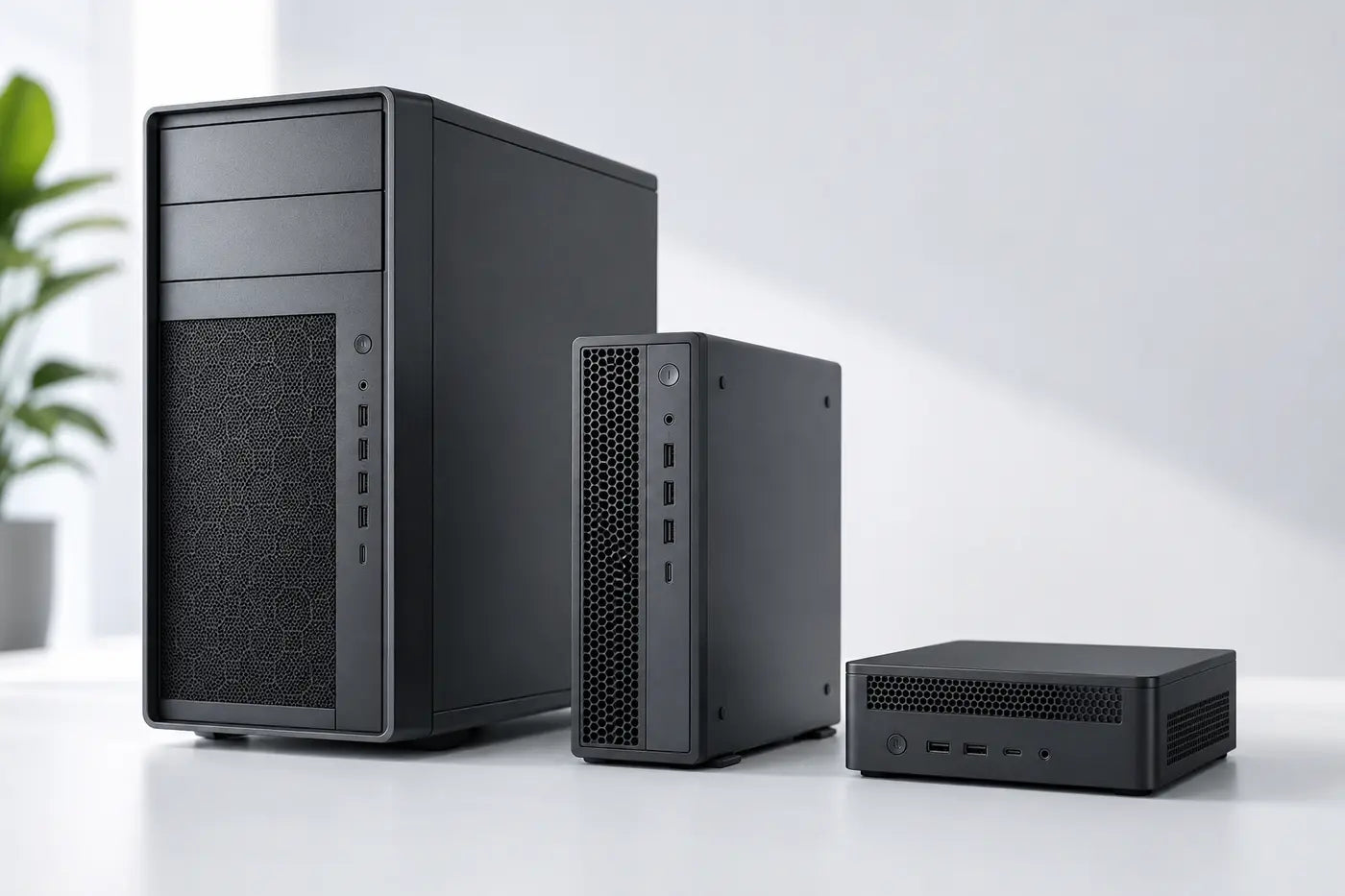
How much chassis do you need?
Buy enough cooling and expansion without wasting desk space or budget.
Maximum flexibility
Tower workstation
Best suited to fixed desks needing sustained cooling, component choice and the strongest expansion potential.
- Largest cooling and expansion envelope
- Suitable for demanding sustained workloads
- More space and power consumption
Balanced footprint
Small-form-factor workstation
A compact desk system balancing professional capability with useful internal expansion.
- Smaller footprint than a tower
- Some internal expansion
- Check GPU size and power limits

Space-saving professional PC
Mini workstation
Ideal where desk space, mounting or low visual impact matters more than internal expansion.
- Very compact and easy to deploy
- External peripherals and displays
- More limited cooling and expansion
What to look for
Build for sustained work
A workstation is a complete platform, not a processor and graphics card in isolation.
Sustained performance
Long renders, simulations and data processing need stable performance over time, not only short benchmark bursts.
Chassis cooling can materially affect throughput.Expansion
Check GPU dimensions, power supply, PCIe slots, memory capacity and storage bays against likely future needs.
Tower, SFF and mini formats differ substantially.Memory and storage
Professional workloads commonly benefit from 32GB or more RAM and fast SSD storage; datasets and scratch files can change capacity needs quickly.
Allow realistic headroom for project growth.Displays and peripherals
Plan monitor count, resolution, specialist input devices, high-speed networking and external storage as part of the workstation.
The desk ecosystem matters.Compare the options
Tower versus compact workstations
Use these broad differences as a starting point, then check the exact model.
Match it to the real world
Workload-led starting points
The software and project size should decide the configuration.
CAD, BIM and engineering
Prioritise software compatibility, CPU behaviour, appropriate professional graphics and enough memory for real models.
Tower or SFF is often practical when sustained performance and expansion matter.Request workstation advice
Data, development and virtualisation
Core count, memory capacity, storage performance and network speed may matter more than a high-end GPU.
Build around the workload rather than copying a graphics-led specification.Talk to CybistAvoid expensive mistakes
Common desktop-workstation mistakes
- Buying a high-end GPU for a CPU-led application.
- Ignoring sustained cooling and power limits.
- Assuming every SFF accepts a full-size graphics card.
- Forgetting displays, storage, network and future expansion.

Tell us what the equipment needs to do, the software involved, the number of users and your budget.
Talk to CybistHelpful answers
Desktop workstation questions
Useful distinctions between towers, SFF and mini systems.
Is a tower always faster than an SFF workstation?
No. Specification and workload matter. Towers usually provide more cooling and expansion potential, which can help sustained demanding work, but an appropriately specified SFF can be equally suitable for many users.
Can a mini workstation handle professional software?
Yes, where its processor, memory, graphics and connectivity match the application. The main compromises are normally cooling headroom and internal expansion.
Should I prioritise CPU or GPU?
That depends entirely on the software. Some workloads are CPU-led, some are GPU-accelerated and others need a balanced system. Check vendor guidance and actual project behaviour.