
Cybist workstation advice
Tell us what the work demands
before choosing the workstation.
A short, accurate brief lets us compare mobile, tower, SFF and mini formats around the software, project scale and working environment.
A practical starting point
Good advice begins with the workload
Tell us the applications, typical project size, number of users, mobility, displays, peripherals and budget. We can then focus on useful capability instead of overspecifying one component.
Choose the right route
What helps us help you
Start with the real requirement, then select the format and specification.
A clear route
Mobile or desktop?
Choose mobile when professional performance must travel; choose desktop when fixed-location cooling, expansion or value matters more.
- Clear, workload-led specification
- Practical deployment and support
- Sensible useful-life headroom
What to look for
Build a useful workstation brief
Translate the working context into clear, supportable requirements.
Applications and workload
List the software, common tasks and the longest or slowest jobs.
Confirm the exact requirement before deployment.Project and data scale
Estimate file, model, dataset and storage sizes—including growth.
Confirm the exact requirement before deployment.Working environment
Include mobility, docks, displays, peripherals, noise and desk constraints.
Confirm the exact requirement before deployment.Budget and useful life
A realistic range helps balance current performance with upgrade headroom.
Confirm the exact requirement before deployment.Compare the options
Compare the routes
Use these differences as a starting point, then verify the exact model and environment.
Match it to the real world
Advice for individuals and teams
Practical examples to help turn needs into a brief.
A team replacing mixed equipment
Consistency, deployment and support may matter as much as peak performance.
Share user groups and exceptions so the estate can be standardised sensibly.Explore the next step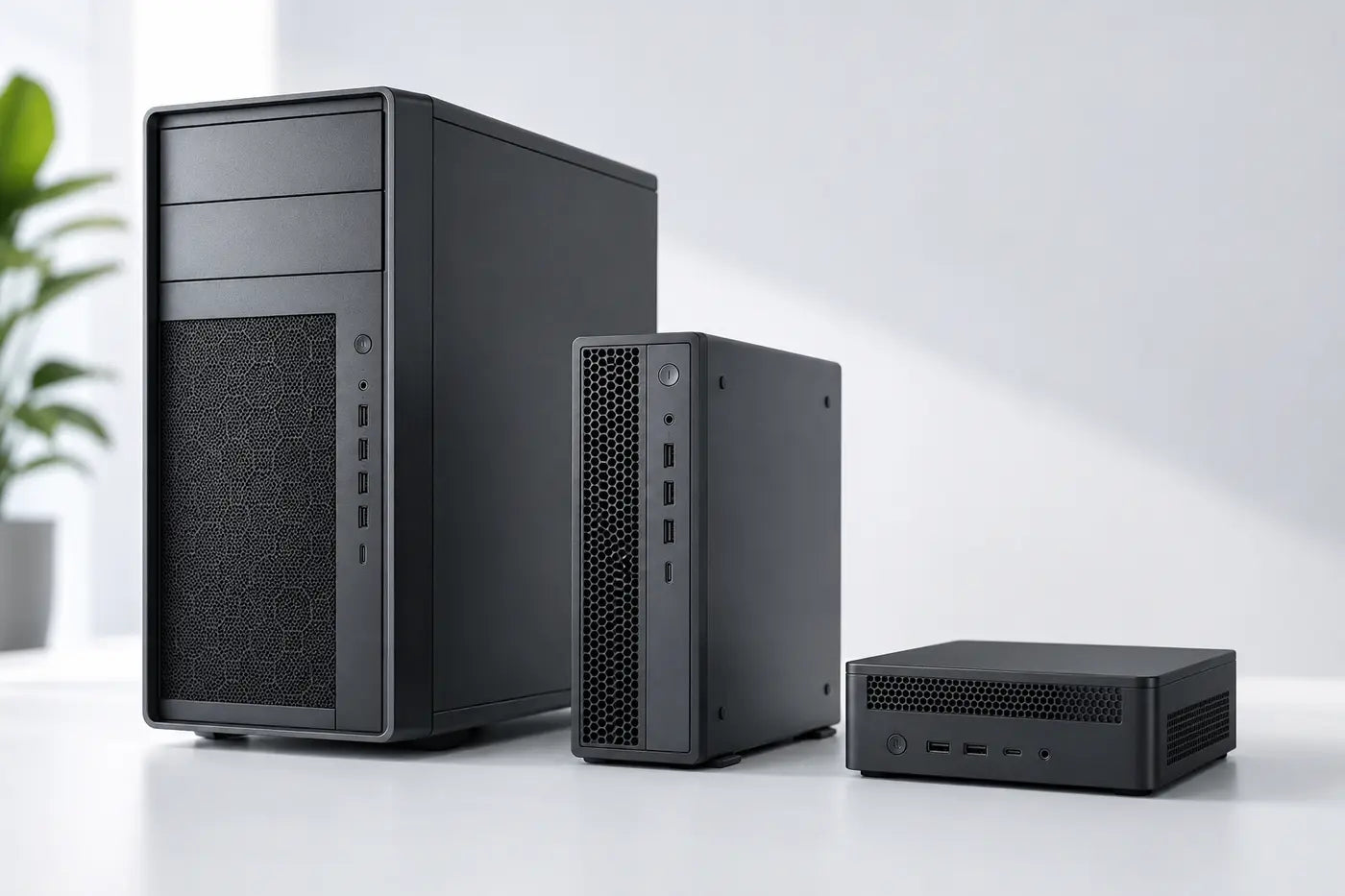
A specialist individual workload
One demanding application may determine CPU, GPU, RAM or display needs.
Include the exact software version and representative project size.Explore the next stepAvoid expensive mistakes
Details that prevent expensive mistakes
- Software versions and plugins can change hardware requirements.
- Large real projects behave differently from demonstration files.
- Portability, noise, displays and peripherals affect everyday usability.
- Future users and upgrade plans should be considered before purchase.

Tell us what the equipment needs to do, the software involved, the number of users and your budget.
Talk to CybistWorkstation advice
Tell us what the workstation must do
Share the software, workload, working pattern and budget. A Cybist adviser can help narrow the format and specification.
- Tell us the software and workload
- Where and how the system will be used
- Your preferred format and budget
- Any display, docking or expansion requirements
Helpful answers
Workstation advice questions
Helpful answers before the next step.
What information should I send?
Software names and versions, typical project size, number of users, mobility, displays, peripherals, budget and any current performance problem.
Will Cybist recommend the most expensive option?
No. The aim is a balanced specification appropriate to the workload and useful life, including renewed options where they provide strong value.