
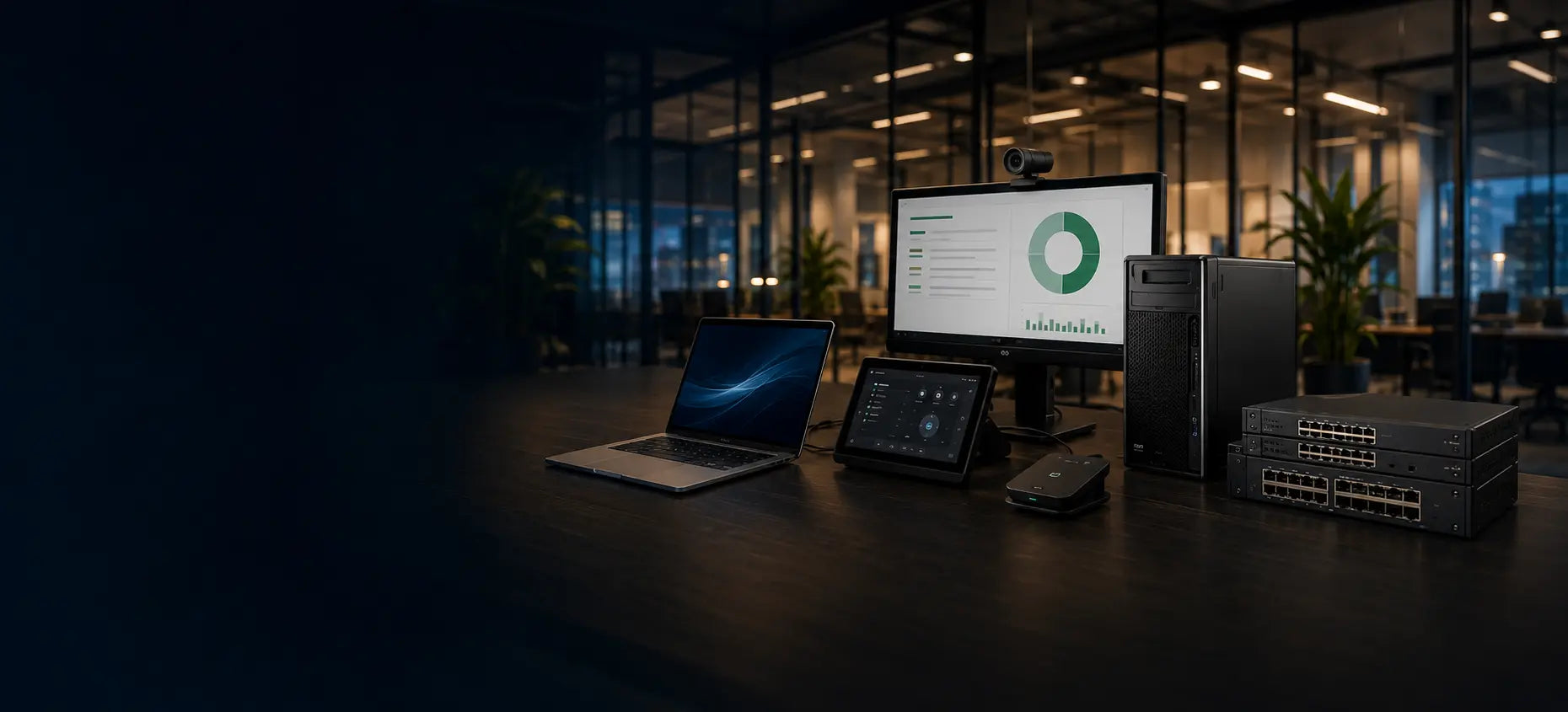
Workstation formats explained
What is a mobile workstation?
Professional capability that travels.
A mobile workstation combines portable design with processors, graphics, memory and support intended for demanding professional applications.
A practical starting point
A workstation-class laptop, not simply a gaming laptop
Mobile workstations are built for professional workflows, often with business manageability, higher memory capacity, professional graphics options and robust docking. Exact features vary by model.
Choose the right route
Best when performance must move
Start with the real requirement, then select the format and specification.
Where it excels
Portable professional workflows
Useful for CAD, development, analysis, media and other demanding work between locations.
- Clear, workload-led specification
- Practical deployment and support
- Sensible useful-life headroom
Know the compromise
Portable chassis have limits
Weight, fan noise, battery runtime and sustained cooling vary; the most powerful portable is not automatically the best everyday tool.
- Clear, workload-led specification
- Practical deployment and support
- Sensible useful-life headroom
What to look for
What makes it workstation-class?
Translate the working context into clear, supportable requirements.
Professional performance
Higher-power processors and optional dedicated graphics support demanding applications.
Confirm the exact requirement before deployment.Memory and fast storage
Larger memory and SSD capacities support complex projects, datasets and virtual machines.
Confirm the exact requirement before deployment.Docking and displays
A dock can turn one portable system into a multi-display fixed workstation at the desk.
Confirm the exact requirement before deployment.Thermals and battery
Full performance may require mains power; runtime and acoustics depend on workload and chassis.
Confirm the exact requirement before deployment.Compare the options
Compare the routes
Use these differences as a starting point, then verify the exact model and environment.
Match it to the real world
When mobile is—and is not—the better answer
Practical examples to help turn needs into a brief.
Hybrid technical professional
One system moves between home, office and client sites, then docks to displays.
Prioritise manageable weight, dock support and balanced sustained performance.Explore the next step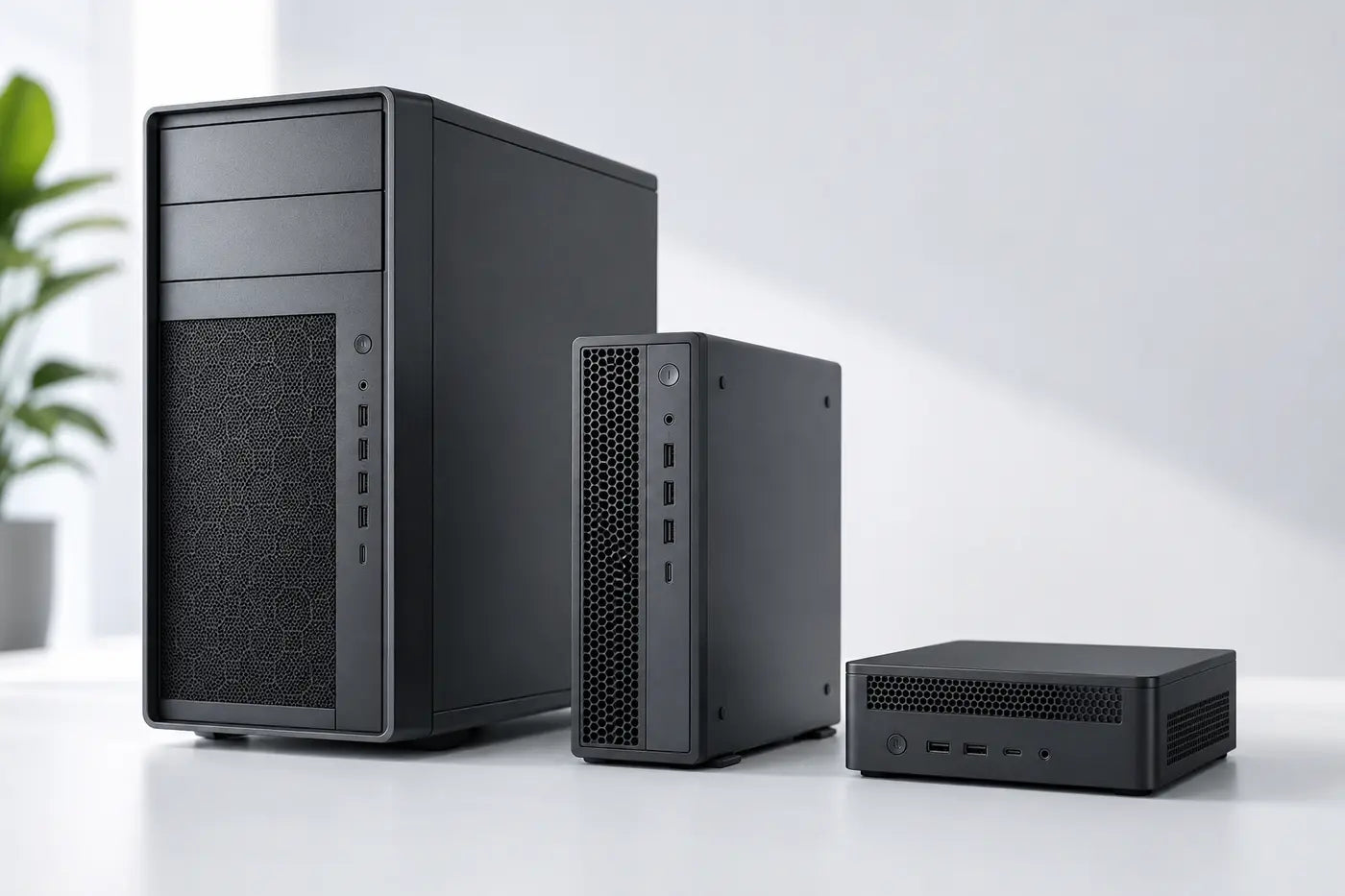
Always-at-desk specialist
If the system rarely moves, a desktop may offer more cooling, expansion or value.
Compare tower, SFF and mini alternatives before deciding.Explore the next stepAvoid expensive mistakes
Before choosing mobile
- Check exact software and GPU requirements.
- Consider weight, charger and travel pattern.
- Confirm docking, display outputs and network access.
- Compare the same budget against a desktop workstation.

Tell us what the equipment needs to do, the software involved, the number of users and your budget.
Talk to CybistHelpful answers
Mobile workstation explained
Helpful answers before the next step.
Is a mobile workstation suitable for ordinary office work?
Yes, but it may be heavier, louder and more expensive than necessary. Choose it when professional workloads justify the additional capability.
Can it run at full performance on battery?
Some systems reduce performance away from mains power. Treat battery operation and full sustained performance as separate requirements.