
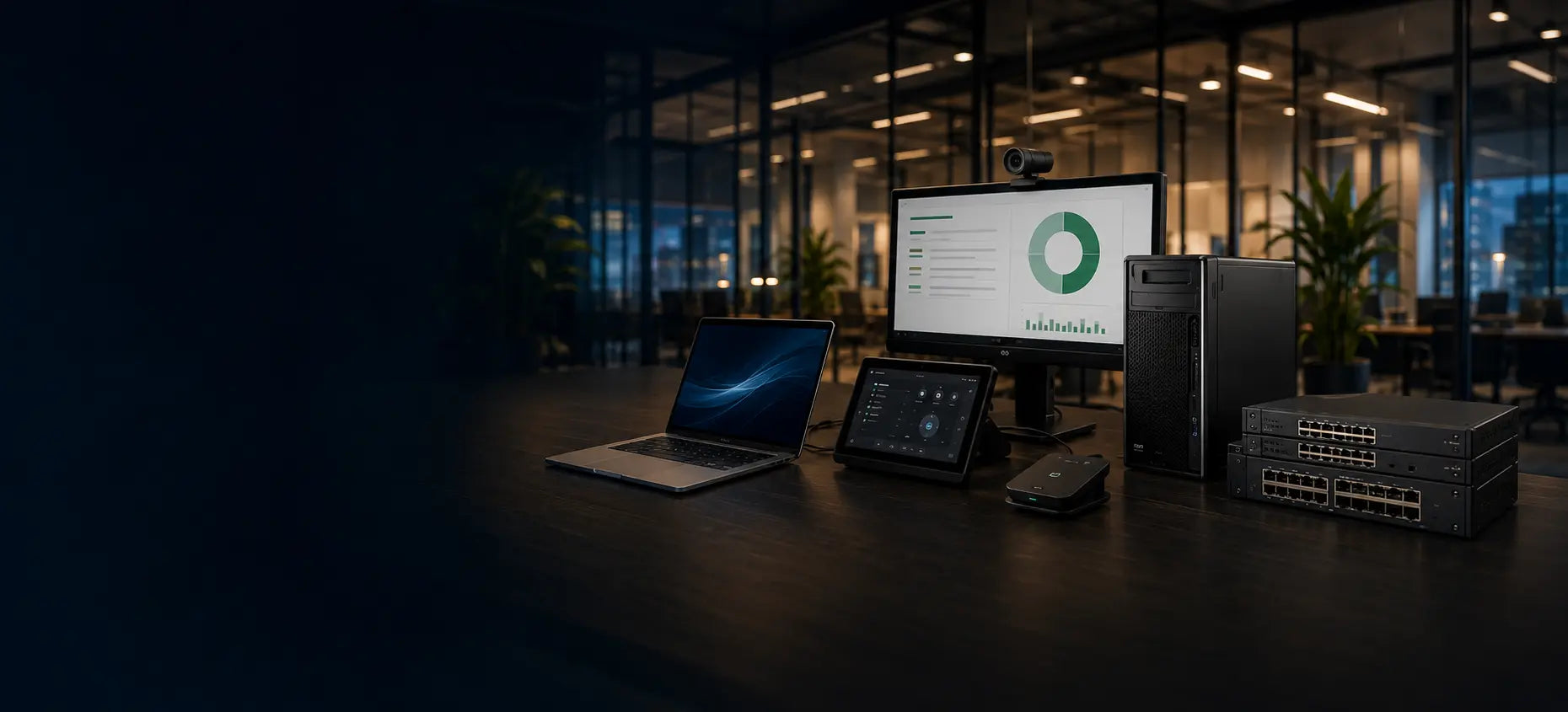
Cybist mobile workstation buying guide
Professional performance
wherever the work takes you.
Choose a mobile workstation when demanding professional applications must travel. Balance CPU, GPU, memory and storage with cooling, weight, battery and docking.
A practical starting point
Start with the software and where it will be used
A mobile workstation is more than a powerful laptop. It should support the applications, displays and peripherals involved while remaining practical to carry and dock.
Choose the format first
Must the performance travel?
Portability is valuable—but only when it serves the working pattern.
Performance that travels
Professional mobility
Choose this route when CAD, analysis, development or creative work must move between locations.
- Professional-class processors and graphics
- Integrated display and keyboard
- Dockable at a permanent desk
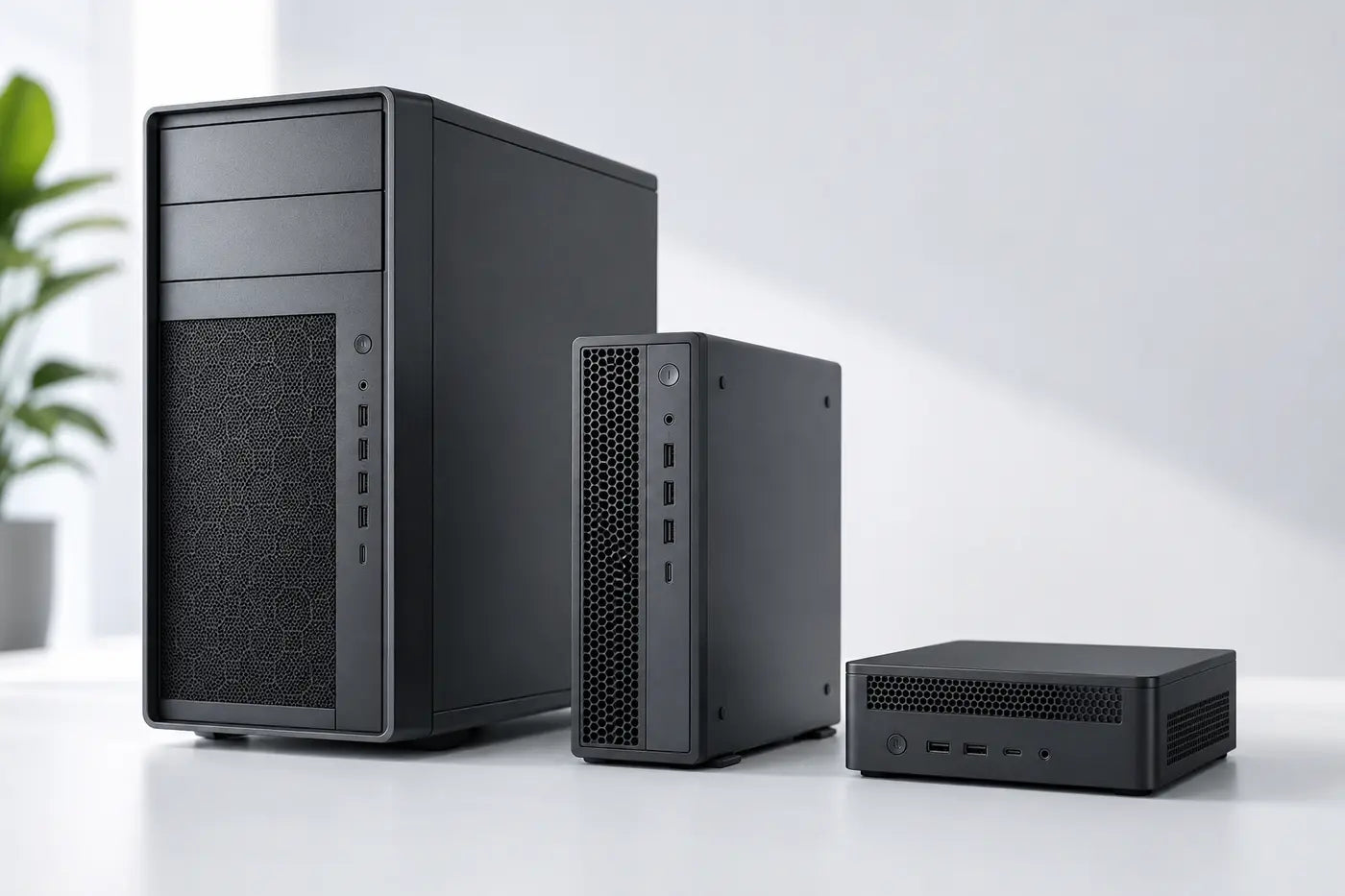
Fixed-location performance
Consider a desktop workstation too
A tower, SFF or mini workstation may offer better cooling, expansion or value when portability is not essential.
- More sustained cooling potential
- More expansion in suitable formats
- Use with chosen displays and peripherals
What to look for
The specifications that shape a mobile workstation
Size the complete platform around the application, data and desk setup.
Processor and sustained performance
Match core count and clock behaviour to the applications. Cooling and power limits affect long-running work as well as the processor name.
Check real workload behaviour, not only a badge.Memory
32GB is a useful starting point for many professional workloads; larger models, datasets and virtual machines may justify 64GB or more.
Confirm whether memory is upgradeable.Professional graphics
Check whether the software benefits from a dedicated GPU, certified drivers and a particular amount of VRAM.
A dedicated GPU is not automatically necessary for every user.Battery, weight and thermals
Performance laptops trade portability, acoustics and runtime against cooling capacity. Consider how often full performance is needed away from mains power.
Portable does not always mean lightweight.Compare the options
Mobile or desktop workstation?
Neither is universally better; location, workload and expansion decide.
Match it to the real world
Common professional workloads
Use software requirements and real project sizes to refine these starting points.
CAD, engineering and visualisation
These applications can be sensitive to graphics support, VRAM, memory and sustained processor performance.
Check the software vendor guidance and size the GPU and RAM around actual models and workflows.Ask for workstation advice
Developer, analyst or technical manager
Compilation, virtual machines and large datasets usually benefit from memory and sustained multicore performance.
Consider 32GB or more RAM, fast SSD storage and a dockable business platform.See suitable workstationsAvoid expensive mistakes
What workstation buyers often overlook
- Cooling and sustained performance during long tasks.
- GPU compatibility, VRAM and driver requirements.
- Dock, charger, monitor and network connectivity.
- Whether memory and storage can be upgraded later.

Tell us what the equipment needs to do, the software involved, the number of users and your budget.
Talk to CybistHelpful answers
Mobile workstation questions
Clear answers before committing to a high-performance portable system.
Will a mobile workstation replace a desktop workstation?
It can for many users, especially when mobility matters. A desktop can remain preferable for long sustained workloads, greater expansion, lower noise or a permanent multi-display setup.
Do I need professional graphics?
Only when the applications or workflows benefit from it. Check software guidance, required VRAM and driver support rather than assuming every professional user needs the largest GPU.
How much RAM should I choose?
32GB is a sensible professional starting point for many workloads. Complex CAD models, virtual machines, large datasets and high-resolution media may require 64GB or more.