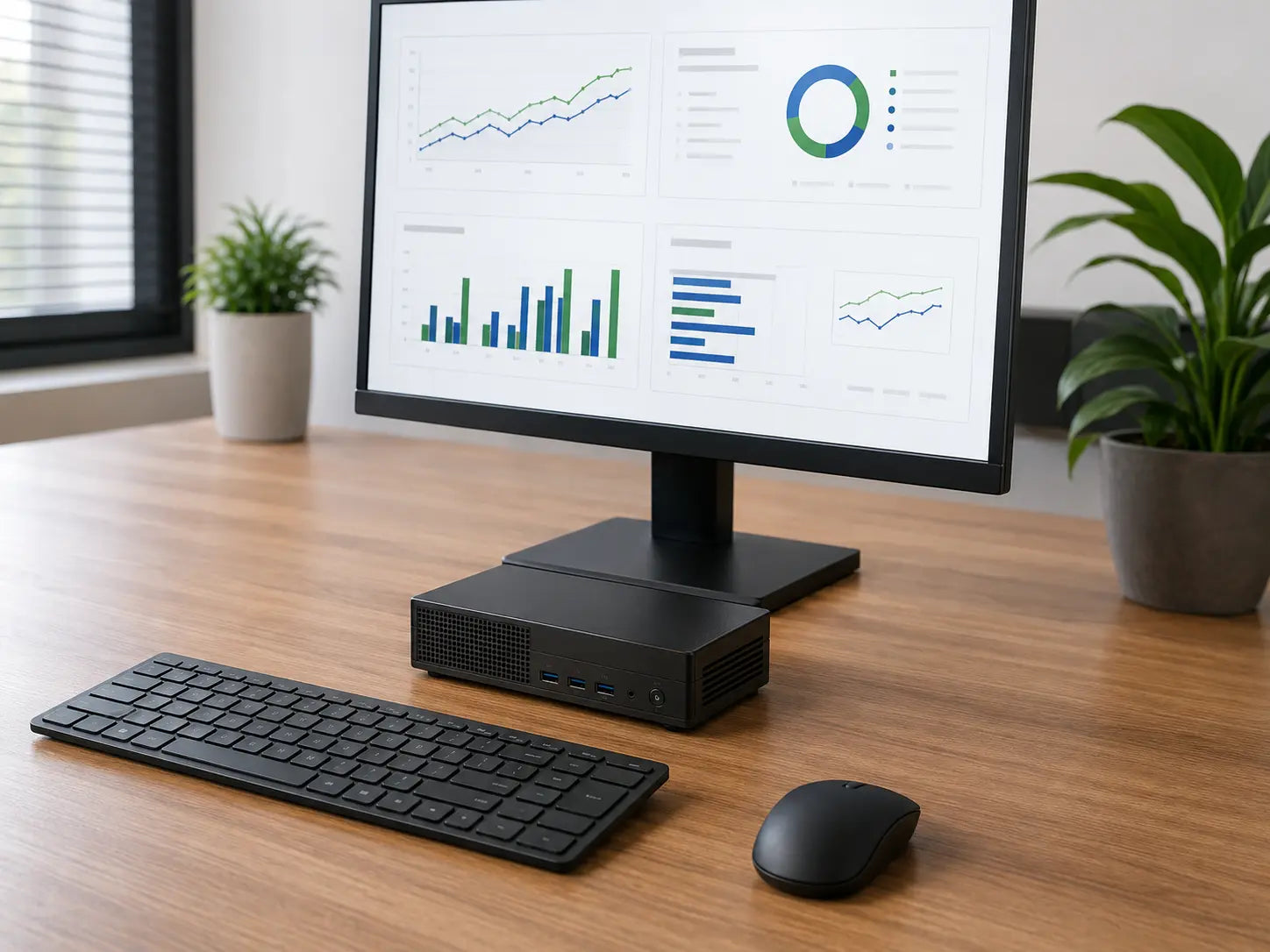
Space-saving Mini PC
Tiny footprint for tight spaces and lighter workloads.
Mini / Micro

Cybist desktop PC buying guide
A fixed computer can deliver excellent value, dependable performance and a clearer long-term upgrade path—when the format and specification match the user.
Tiny footprint for tight spaces and lighter workloads.
Mini / Micro
Compact performance with low-profile card support.
Small Form Factor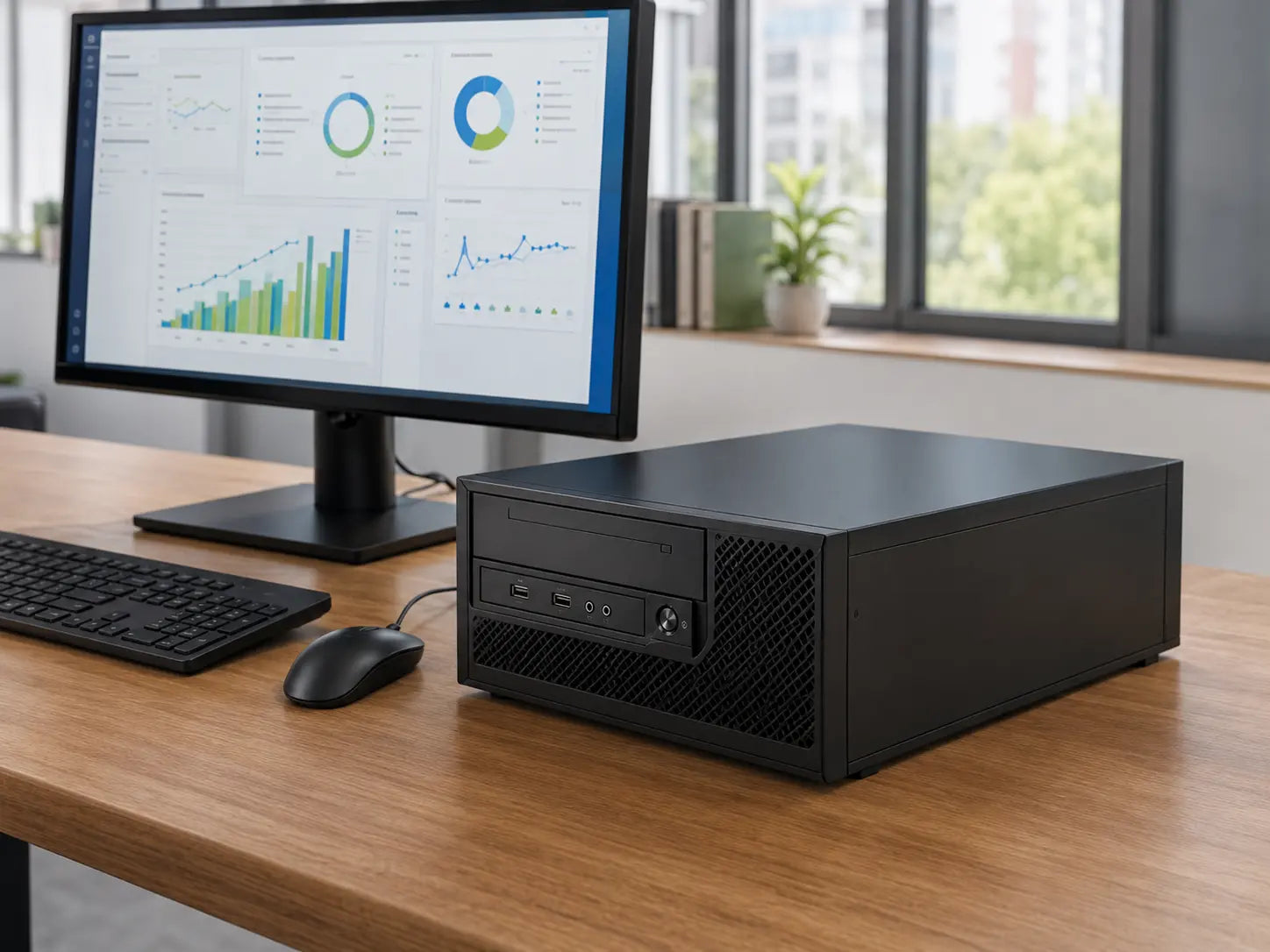
Balanced size with full-height expansion and stronger performance.
Standard Desktop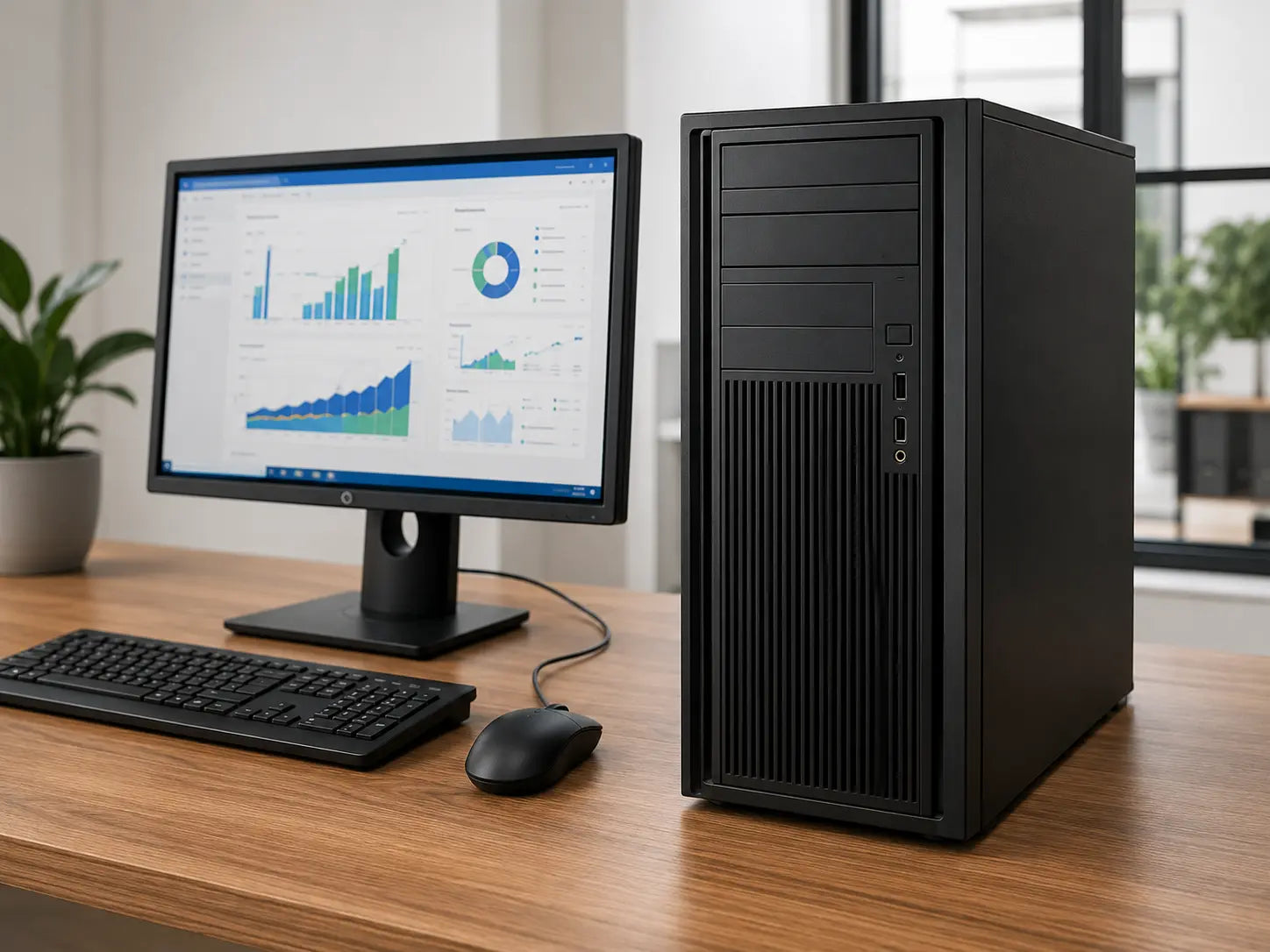
Maximum expansion and cooling for demanding workloads.
Tower| Requirement | Mini / Micro | Small Form Factor | Standard Desktop | Tower |
|---|---|---|---|---|
| Footprint | Smallest | Compact | Medium; horizontal or vertical | Largest |
| Internal expansion | Limited | Moderate | Good | Greatest |
| Graphics cards | Check model options | Low-profile cards only | Full-height cards supported | Widest card options |
| Cooling & airflow | Limited | Moderate | Better airflow and cooling | Best airflow and cooling |
| Best for | Defined office workloads and light desk space | Everyday business tasks with light expandability | Stronger graphics or expansion without a tower | Demanding workloads and heavy expansion |
| Consideration | Limited upgrades and ports | Check GPU and power limits | Balanced size and expansion | Requires most desk or floor space |

Match real-world performance to the applications—not simply the newest generation.
Memory: 16GB is a comfortable everyday business starting point.
Storage: choose 512GB or 1TB around local data and useful-life headroom.
Graphics: integrated graphics suit many office users; dedicated graphics should follow the software.
These are practical starting points, not rigid minimum specifications.
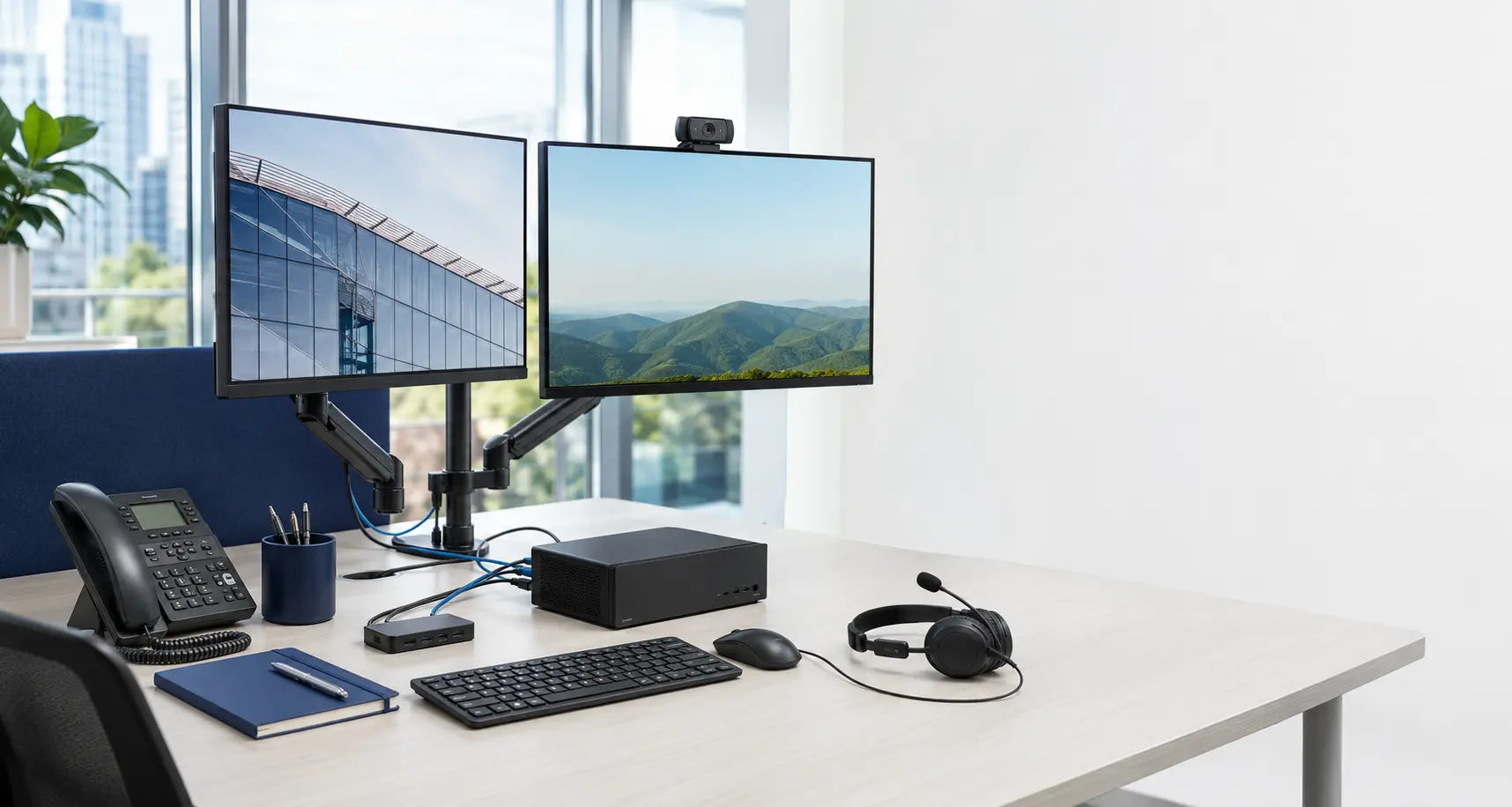
The better buy is the desktop that delivers the right capability, build quality, expandability and support for the budget.
Buying a Mini PC when expansion is needed
Paying for an unused dedicated GPU
Choosing too little memory
Forgetting display outputs
Assuming every SFF accepts full-size cards
Ignoring the complete desk setup
Email, Microsoft 365, CRM and line-of-business applications with reliable multitasking.
Explore office desktops →Quiet, space-conscious systems for front-of-house, kiosks and signage.
Explore compact solutions →Room to expand storage or memory as needs increase.
Explore scalable desktops →Higher performance, more memory and add-in options where required.
Explore high-performance desktops →Yes. Enterprise Mini and Micro desktops can be excellent for Microsoft 365, browser applications, video calls and shared desks. Check the exact processor, memory, storage, ports and graphics options.
Integrated graphics suit most office work. Choose dedicated graphics when the applications, display count, CAD, media or specialist work genuinely benefit.
Choose a standard desktop when full-height graphics cards, better airflow or more useful expansion matter, but a large tower would be unnecessary.
Often, but memory slots, drive bays, card dimensions, power supply and firmware support vary. Confirm the likely upgrade before choosing the format.
It is a strong starting point for normal office multitasking. Choose 32GB or more for large datasets, virtual machines, development, CAD or creative work.
Confirm display count and resolution, available DisplayPort, HDMI or USB-C outputs and whether adapters are required.

Practical UK advice
Talk us through the specification, workspace, software and likely future needs and we’ll help you match the right format.