
Cybist Audio Visual buying guide
Make every room
clear, inclusive and easy to use.
Choose conferencing equipment around the room, participants, platform and support model—not the camera specification alone.
A practical starting point
Start with the room and meeting behaviour
A successful room lets people join quickly, hear clearly and see the right content. Room size, seating, acoustics and platform all shape the design.
Choose the right route
The human outcome
Define the intended outcome before choosing individual products.
Rooms that work
Small and focus rooms
Simple video bars or compact camera, microphone and speaker solutions can keep smaller rooms easy to use.
- Match the complete requirement
- Allow sensible headroom
- Plan deployment and support
More participants
Medium and larger meeting spaces
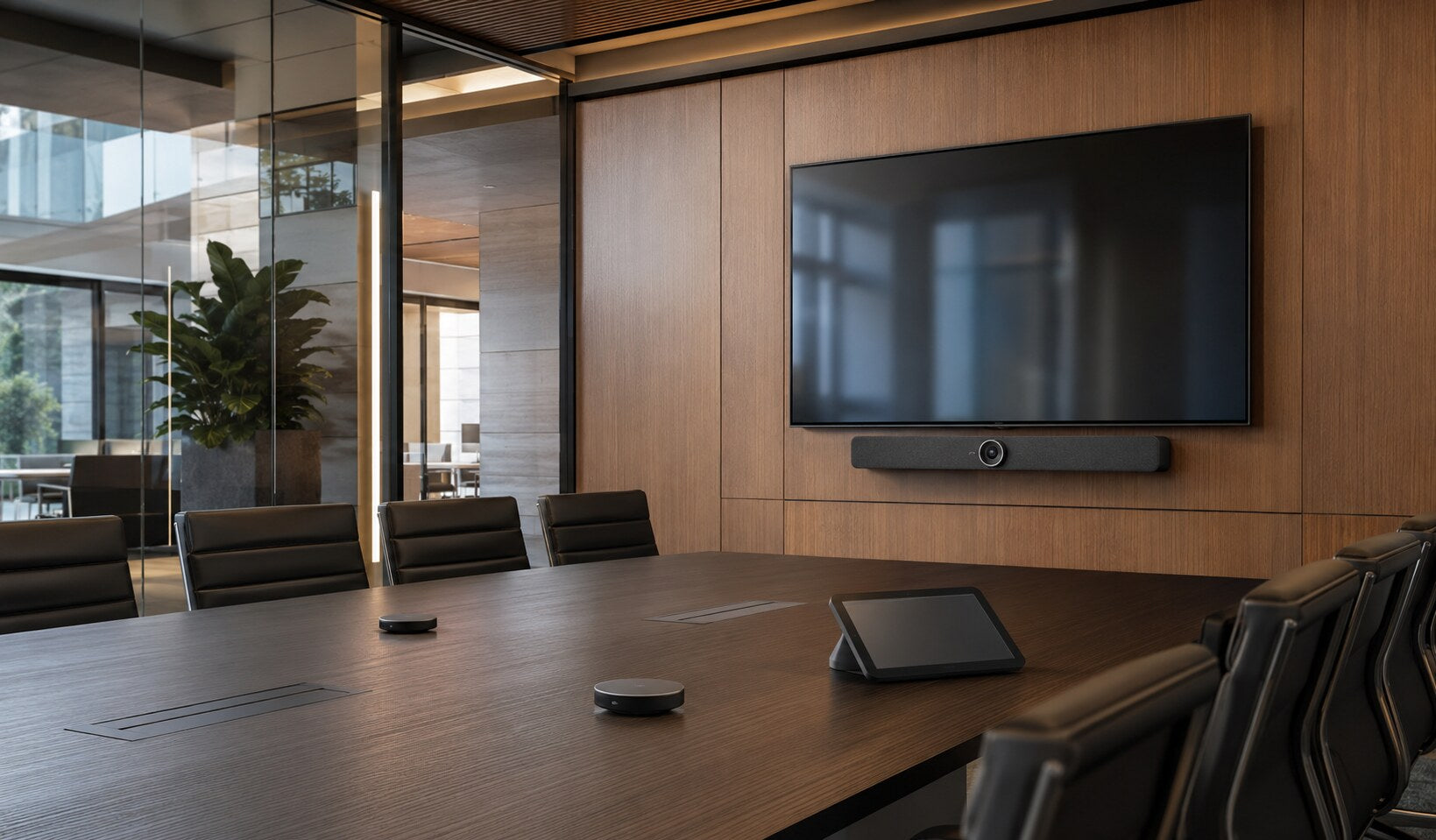
Camera coverage, microphone reach, loudspeakers, displays and room control need designing as one system.
- Match the complete requirement
- Allow sensible headroom
- Plan deployment and support
What to look for
Design the complete meeting experience
Treat every component as part of the complete working environment.
Platform and joining
Confirm Teams, Zoom or other platform requirements, guest joining and whether a room PC or bring-your-own-device workflow is preferred.
Confirm exact requirements before deployment.Camera coverage
Match field of view, framing and placement to room shape and seating—not merely the number of megapixels.
Confirm exact requirements before deployment.Microphone and loudspeaker
Speech clarity is fundamental. Consider pickup reach, room acoustics, echo control and where participants sit.
Confirm exact requirements before deployment.Displays, cabling and control
Plan display size, input switching, table connectivity, mounting, power and a simple control experience.
Confirm exact requirements before deployment.Compare the options
Which operating model fits?
Use these broad differences as a starting point, then verify the exact solution.
Match it to the real world
Start with the room size and behaviour
Translate the real environment into a clear technical brief.
Focus room or huddle space
Prioritise quick joining, wide coverage and minimal controls.
A quality video bar or compact USB solution may be sufficient.Explore suitable optionsBoardroom or teaching space
Larger rooms may need separated cameras, microphones, displays and managed control.
Survey room dimensions, seating and platform requirements before specifying.Explore suitable optionsAvoid expensive mistakes
Common AV mistakes
- Buying a camera before checking room coverage and acoustics.
- Ignoring guest joining and platform compatibility.
- Underestimating cabling, mounting, displays and control.
- Creating different controls in every room without documentation.

Tell us what the equipment needs to do, the software involved, the number of users and your budget.
Talk to CybistHelpful answers
Audio Visual buying questions
Practical answers before purchase and deployment.
Is a video bar suitable for every room?
No. It can be excellent for small and medium spaces, but room depth, acoustics and seating may require separate cameras or microphones.
Should we standardise on one platform?
Standardisation can simplify support, but consider guest meetings and interoperability. Define the primary platform and a clear route for external participants.
What makes a room easy to use?
Consistent controls, clear labelling, reliable joining, appropriate coverage and tested audio. The best specification is ineffective if users cannot start a meeting confidently.