
Use-case buying guide
Education and public-sector technology
practical, supportable and clearly specified.
Choose technology around learning, administration, accessibility, security, deployment and long-term support—not a consumer headline specification.
A practical starting point
Different users need different profiles
Teachers, learners, administrators, technical departments and public-facing teams do not all need the same device. A small set of clear profiles makes procurement and support easier.
Choose the right route
A strong everyday profile
Start with the real requirement, then select the format and specification.
Teaching and administration
Reliable business laptops
Prioritise webcam, screen, keyboard, battery, docking and enough memory for browser-led multitasking.
- Clear, workload-led specification
- Practical deployment and support
- Sensible useful-life headroom
Specialist learning
Workstations and AV
Creative, engineering and media courses may require professional graphics, more memory and capable room technology.
- Clear, workload-led specification
- Practical deployment and support
- Sensible useful-life headroom
What to look for
Procure around users and service
Translate the working context into clear, supportable requirements.
User profiles
Define teacher, administrator, learner and specialist requirements separately.
Confirm the exact requirement before deployment.Security and data handling
Plan managed configuration, secure data erasure, accounts and support responsibilities.
Confirm the exact requirement before deployment.Deployment and repeatability
Consistent models, accessories and images reduce setup and support effort.
Confirm the exact requirement before deployment.Accessibility and support
Include ergonomic, visual, audio and input needs in procurement from the start.
Confirm the exact requirement before deployment.Compare the options
Compare the routes
Use these differences as a starting point, then verify the exact model and environment.
Match it to the real world
Practical profiles for education
Practical examples to help turn needs into a brief.
Teacher or professional staff
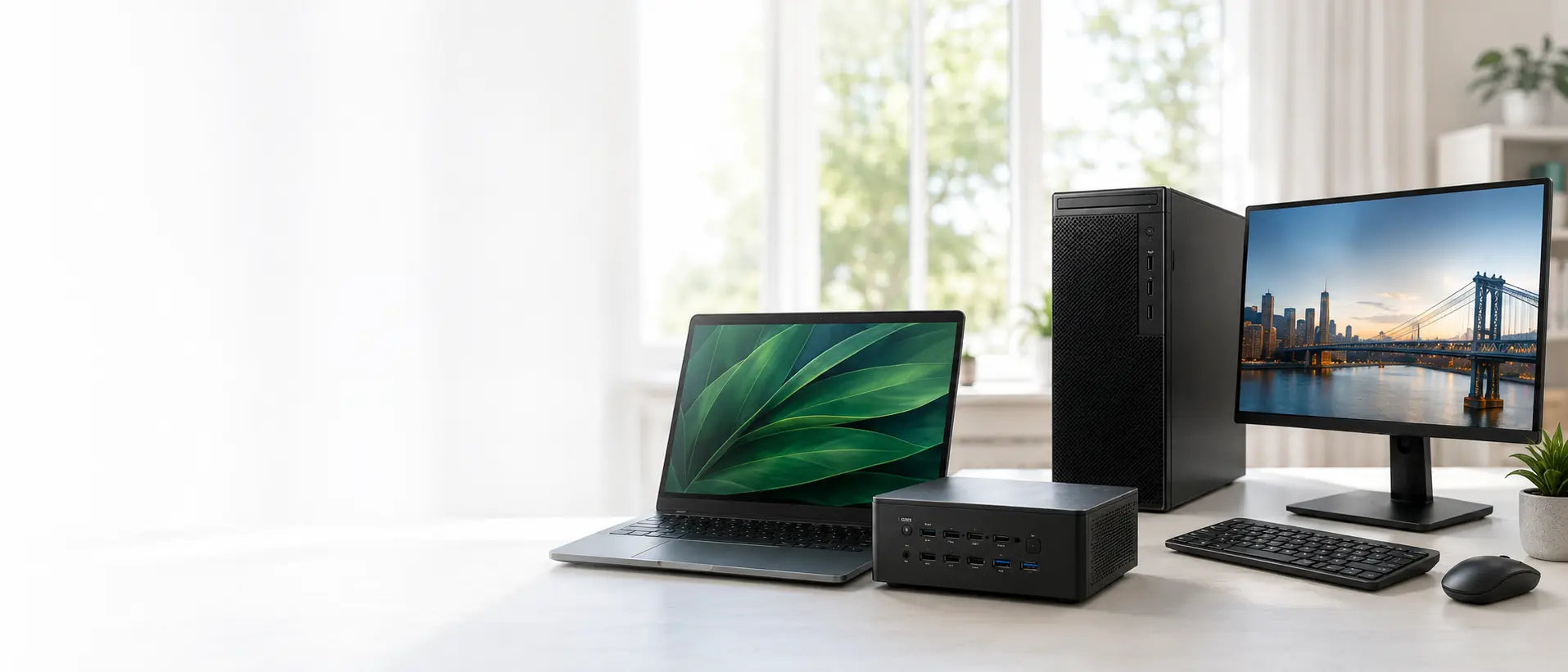
Browser platforms, Office, presentations, calls and lesson resources need comfortable multitasking.
Consider 16GB RAM and 512GB or 1TB SSD with a quality webcam and dock support.Explore the next step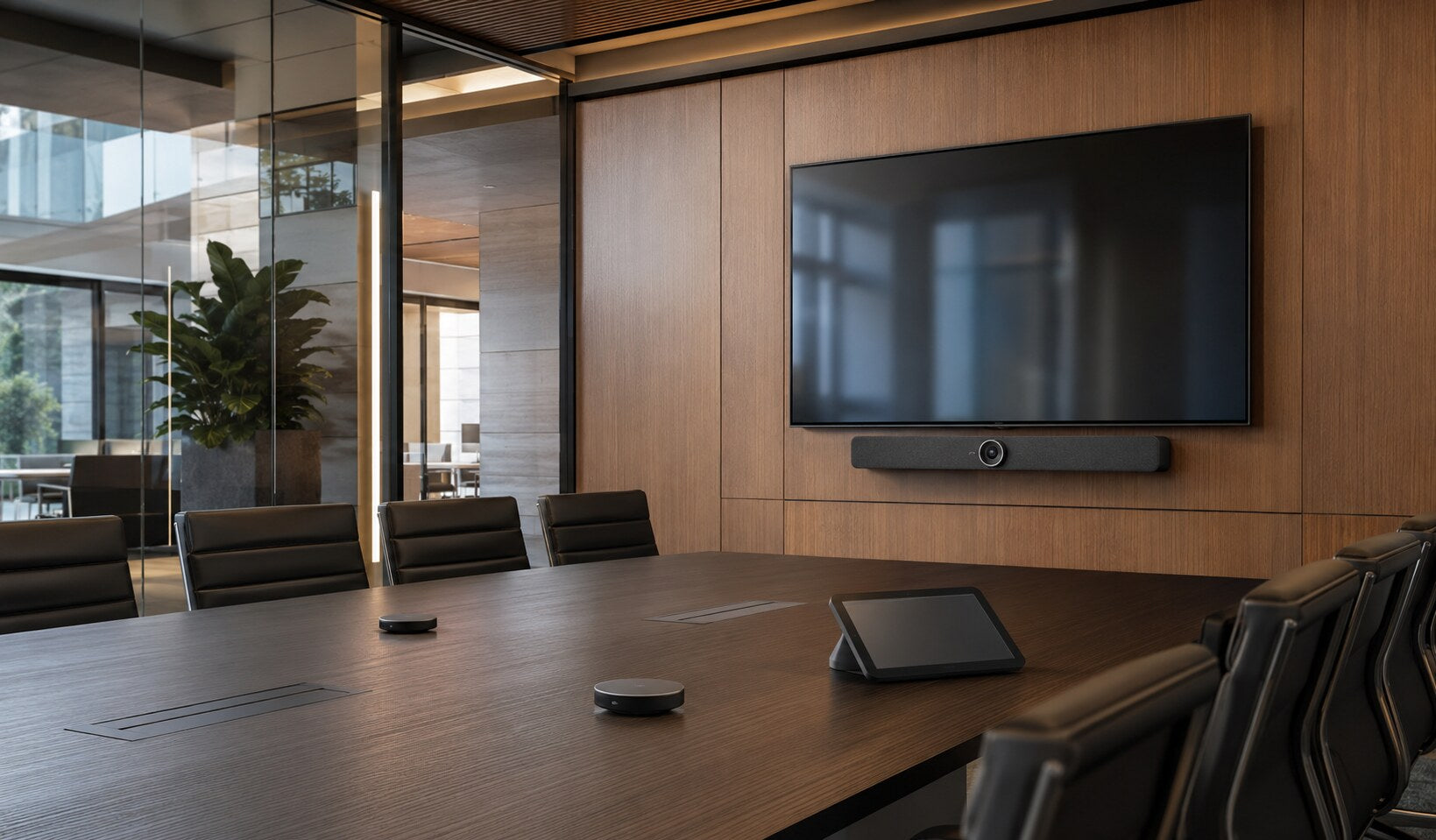
Classroom or hybrid teaching
Remote participants need clear audio, appropriate camera coverage and simple controls.
Design around room size, platform and teaching behaviour.Explore the next stepAvoid expensive mistakes
Questions to settle before rollout
- Who owns imaging, accounts and updates?
- Which users need specialist performance?
- What accessibility requirements apply?
- How will devices, chargers and docks be supported?

Tell us what the equipment needs to do, the software involved, the number of users and your budget.
Talk to CybistHelpful answers
Education and public-sector questions
Helpful answers before the next step.
Can renewed technology suit education?
Yes, when devices are appropriately specified, tested, prepared, clearly graded and supported. The intended software, security and deployment model should be confirmed.
What should a teacher laptop include?
A comfortable screen and keyboard, reliable webcam and audio, suitable ports or docking, 16GB RAM for smooth multitasking and enough SSD capacity for the local working pattern.