
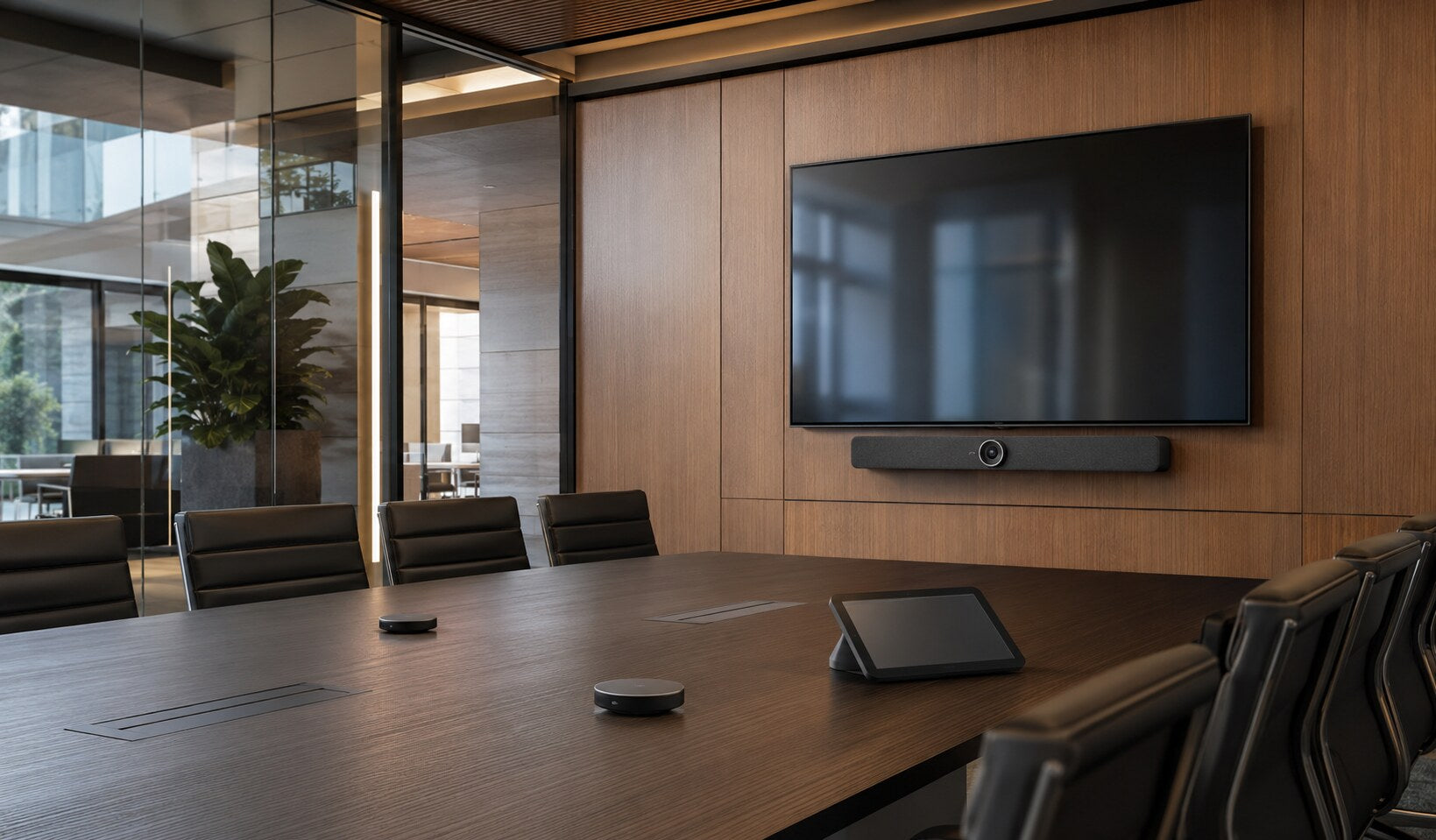
Use-case buying guide
Meeting rooms and hybrid teams
where everyone can contribute.
Create rooms that join reliably, sound clear and make remote participants part of the conversation.
A practical starting point
Design around people, rooms and meetings
Room dimensions, seating, acoustics, platform, guest use and support model determine the right camera, microphones, loudspeakers, displays and control.
Choose the right route
Audio comes first
Start with the real requirement, then select the format and specification.
Smaller collaboration spaces
Focus and huddle rooms
Integrated video bars and compact USB devices can keep joining simple.
- Clear, workload-led specification
- Practical deployment and support
- Sensible useful-life headroom
Larger and flexible rooms
Room systems
Separate cameras, microphones, displays and control may provide better coverage and scalability.
- Clear, workload-led specification
- Practical deployment and support
- Sensible useful-life headroom
What to look for
Make the whole room work
Translate the working context into clear, supportable requirements.
Speech coverage
Every participant should be heard without leaning toward a device.
Confirm the exact requirement before deployment.Camera framing
Match field of view and framing to table shape, room depth and participant movement.
Confirm the exact requirement before deployment.Joining and control
Make the primary platform simple while defining how guests connect.
Confirm the exact requirement before deployment.Display and content
Choose size, quantity and placement around viewing distance and shared content.
Confirm the exact requirement before deployment.Compare the options
Compare the routes
Use these differences as a starting point, then verify the exact model and environment.
Match it to the real world
Different rooms need different answers
Practical examples to help turn needs into a brief.
Hybrid team room
Internal teams need predictable joining and consistent controls across rooms.
Standardise the user experience while sizing hardware for each room.Explore the next stepTeaching or public meeting space
Presenters may move, content may dominate and external guests may use different platforms.
Plan microphone coverage, displays and guest workflows explicitly.Explore the next stepAvoid expensive mistakes
Common hybrid-meeting failures
- Insufficient microphone reach or untreated echo.
- Controls that are inconsistent or unclear.
- Displays too small for shared content.
- No tested route for external guests.

Tell us what the equipment needs to do, the software involved, the number of users and your budget.
Talk to CybistHelpful answers
Hybrid meeting questions
Helpful answers before the next step.
How large should the display be?
Base it on viewing distance, room layout and the detail in shared content. A screen that is adequate for faces may still be too small for spreadsheets or technical material.
Can one system support every meeting platform?
Some solutions provide guest or bring-your-own-device options, but support varies. Define the primary platform and test the external-participant workflow.